
Computer Technology, Curriculum Resource, Education, High School, High School Credit, Homeschool, Homeschool High School

From Gamer to Creator: How Unity Game Programming Turned My Son’s Passion into Real Skills

We received CompuScholar Unity Game Programming for our honest review!

I’m always looking for ways to turn my son’s natural interests into meaningful learning opportunities. One thing about him—he loves video games. But beyond just playing, he started asking deeper questions about how they’re made and what goes on behind the scenes. That curiosity led us to CompuScholar’s Unity Game Programming course, and it has been such a rewarding way to take something he enjoys and transform it into real, skill-based learning. Once he finishes the program I can award him 1 high school credit for his computer science requirement.

About CompuScholar

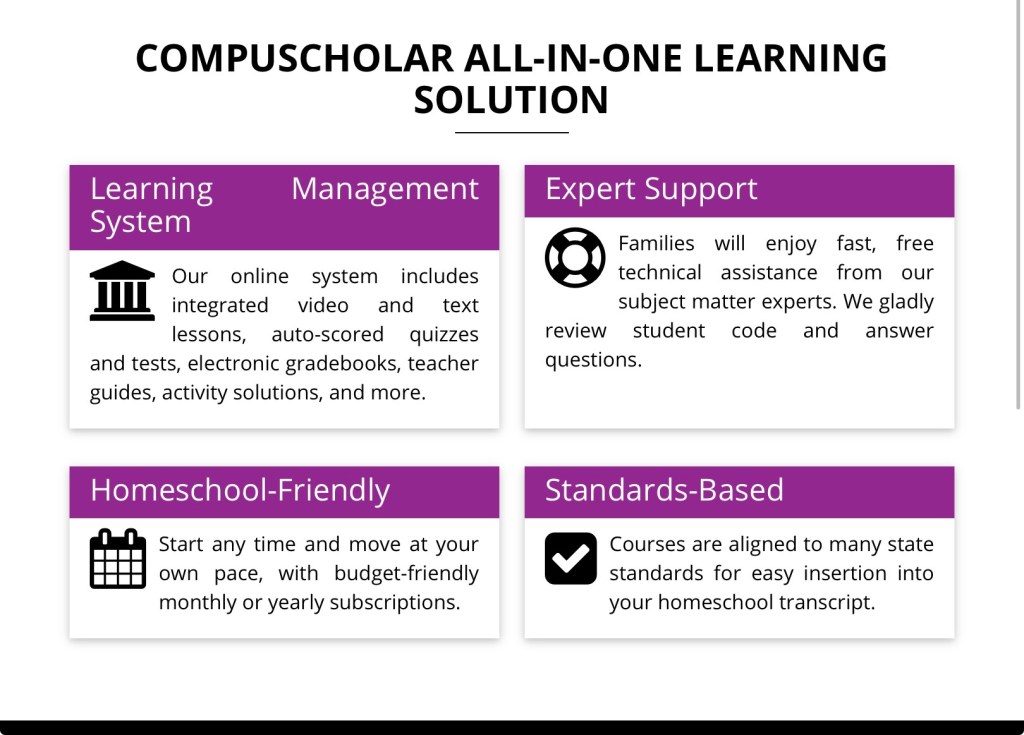
CompuScholar offers a variety of online computer science and digital literacy courses designed specifically for middle and high school students, including subjects like Python, Java, web design, and game programming. These courses are self-paced, homeschool-friendly, and built to help students develop real-world tech skills while earning credit for their transcripts. What I love most is that their courses are structured like true high school electives but still flexible enough for homeschool families.
Screenshot

Unity Game Programming: A Deep Dive Into Game Design

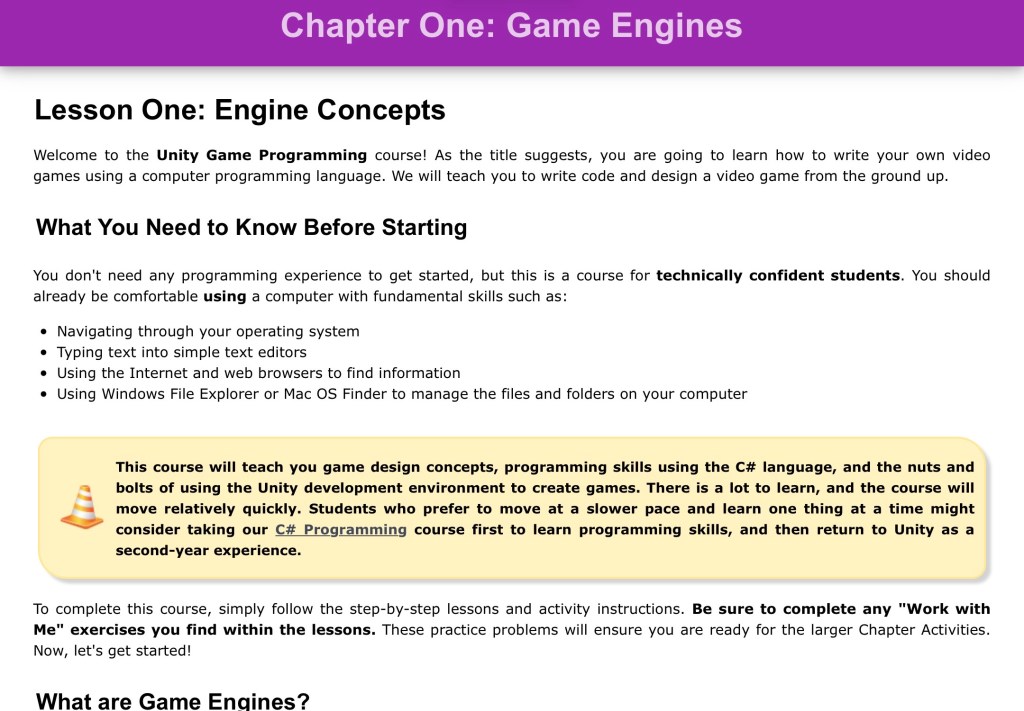
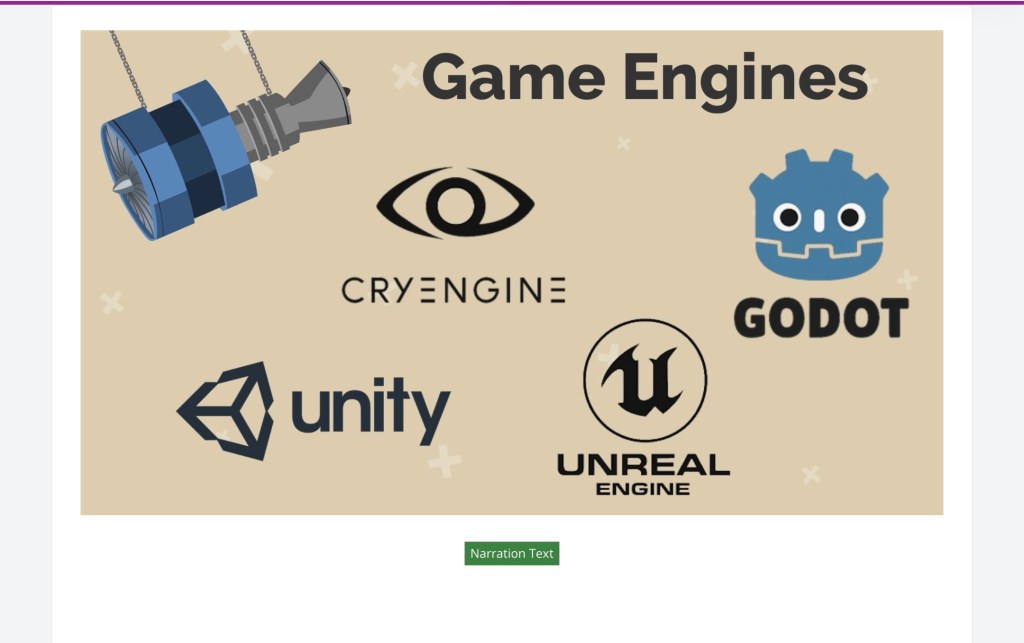
Unity Game Programming is where things really get exciting especially for students who love gaming.This course uses the Unity game engine to teach students how to design and build their own games while learning C# programming from the ground up. And let me just say this is not a surface-level class. This is a true, in-depth look at game development.

What Students Learn

Students don’t just “play around” with coding they learn:

  • Game engines and how they work
  • C# scripting and coding fundamentals
  • 2D game physics and mechanics
  • Animation, sound effects, and game art
  • Object-oriented programming
  • Debugging and problem-solving
  • Artificial intelligence in games
  • Full game design strategy and development

By the end of the course, students are actually creating their own games walking through the entire development process from idea to final product.
How the Program Works

One of the things I appreciate most as a homeschool parent is how well-structured this program is.

  • Lesson Text + Instructional Videos – Students learn concepts step-by-step
  • Quizzes & Chapter Tests – Automatically graded (huge win!)
  • Hands-On Projects – Every chapter includes coding labs
  • Parent-Friendly Rubrics – Easy grading for project work

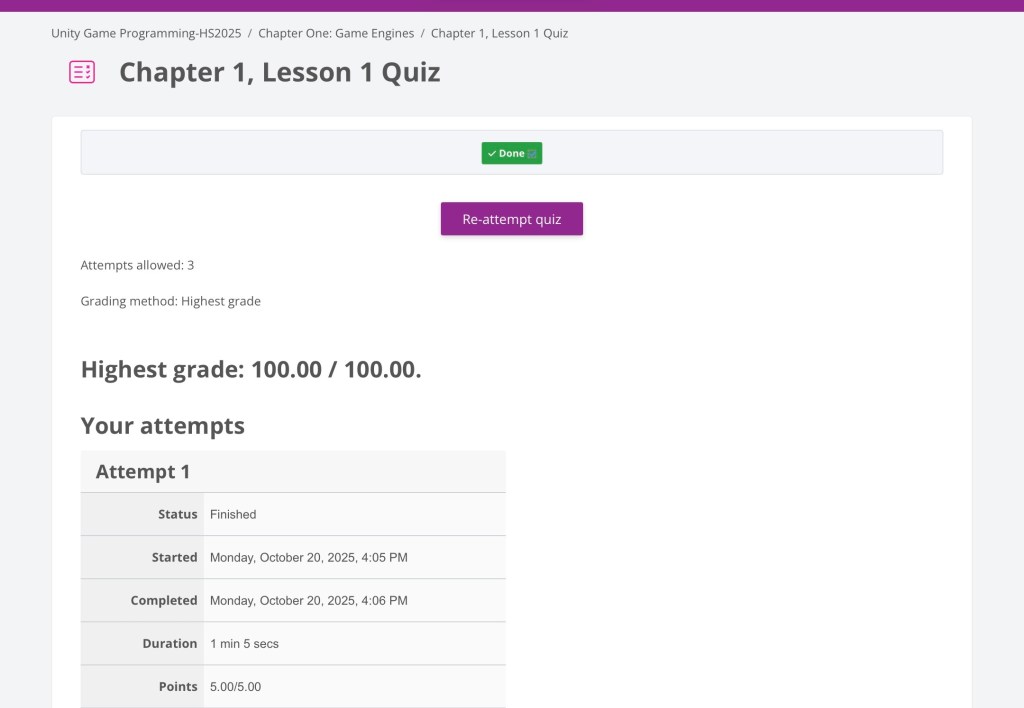
The course is designed as a full-year (2 semester) program, typically taking about 3–5 hours per week. It’s self-paced, which makes it perfect for homeschool schedules.
Screenshot

What Makes This Program Stand Out

What really stood out to us is how this course teaches students to think like developers not just follow directions. Students learn how to:

  • Plan a game
  • Build it step-by-step
  • Test and debug it
  • Improve and refine their work

It’s not just coding it’s critical thinking, logic, and creativity all in one.

Perfect for Homeschool Electives

One of my favorite things about this program is that it works beautifully as a:

  • High school computer science credit
  • STEM elective
  • Career exploration course

It’s rigorous enough to count on a transcript while still being engaging and fun. Even better this course is included in the Timberdoodle Co. 12th Grade Curriculum Kit, which makes it an easy addition for families already using Timberdoodle.
Screenshot

Why It Works So Well for Homeschoolers

From a homeschool perspective, this program checks all the boxes:

  • Flexible, self-paced structure
  • Minimal parent prep required
  • Auto-grading for quizzes/tests
  • Clear lesson progression
  • Real-world, applicable skills

It allows students to work independently while still producing meaningful, measurable results which is something we all want as homeschool parents. If you have a student who loves gaming and is constantly asking “how does this work?”, Unity Game Programming is such a powerful way to turn that curiosity into a real skill. For us, it took something my son already loved and transformed it into purposeful learning, creativity, and future career exploration. And honestly that’s what homeschool is all about.

Coding, Computer Technology, Curriculum, Education, Flex-paced, Games and Apps, Homeschool, Kids and Technology, Online classes, S.T.E.A.M, self-paced

Technology Education with MyTek Lab

We received MyTek Lab for our honest review. This review may contain affiliate links at no additional charge to you.

In today’s digital age, children are being exposed to technology earlier than ever. They must learn how to use technology responsibly and safely. Parents can encourage their children to explore technology by providing them with age-appropriate devices and software and monitoring their use.

One way to teach kids about technology is through educational games and apps. These can help children learn basic skills such as reading, writing, and math, as well as more advanced skills like coding and problem-solving. Parents can also enroll their children in technology classes or camps like MyTek Lab to further develop their skills.

My son is working his way through the Computer Technology introductory course for ages 8-12 offered on Tuesday afternoons. In the Computer Technology course students will learn programming. This class is designed to be easy to understand and fun to follow. They cover a wide range of topics, including computer skills, coding, web design tools, video game design, and so much more.

Mr. and Mrs. MyTek Lab as well as Little MyTek help students learn to navigate the world of computer technology by creating a positive, encouraging environment for learning. What I really like about this course is that the facilitators understand that kids need time to learn all this information and they continue to encourage the kids to keep pushing through and ask questions in the chat. Mr. MyTek walks the students step by step with in-depth explanations and interactive lessons that students can work alongside him as he moves through the lesson.

MyTek Lab offers flex-paced online computer technology classes for kids. These courses are a great way to introduce children to the world of technology.

Flex Pace is a highly adaptable course alternative designed to cater to students’ varying schedules. This learning approach involves weekly recorded videos and lesson releases, allowing students the convenience to engage with the course content according to their own timelines. Given the rapid and frequent evolution of technology, the potential for outdated material is a concern for learners. However, Flex Pace proactively addresses this issue by continuously updating our content, ensuring that all students have access to the most current material and instructional modules. Recordings will be released each Monday.

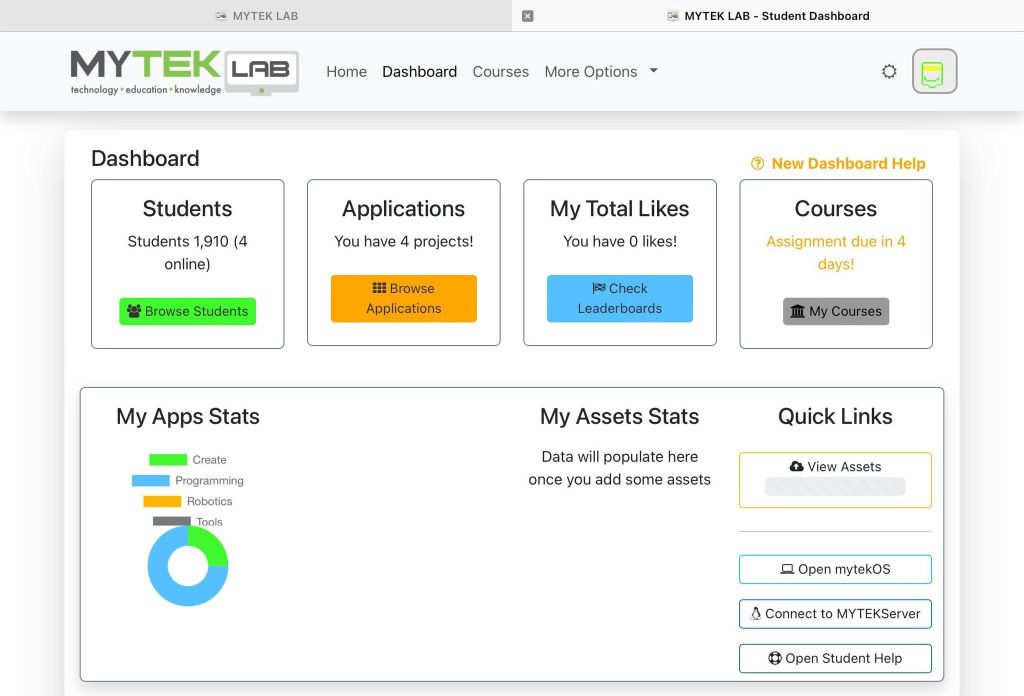
MyTek Lab

There is a parent and student dashboard, but the majority of the time you really don’t need to log into the parent dashboard. My son is capable of getting himself in and out of the platform on his own. After the first class, he was a pro maneuvering and he was teaching me because I was so confused about just getting him into the class. MyTek Lab in my honest opinion speaks to children, because I was listening to the class during the session and I wasn’t sure if my son understood everything. When I asked him he said he understood everything and that he in fact loved the class.

At the time of the review we are wrapping up week 3 of live classes and so far my son has learned how to create a pixel avatar, program a game, and program character movement. Each week students learn the lesson, practice, and complete assignments. I really like that the classes are both live and flex pace, my son was a little under the weather in week two and did the flex pace option so he could get caught up with the live class.

I like MyTek Lab because the teachers are friendly and they really want us kids to learn about technology. I don’t feel rushed when we are doing the lesson and Mr. Tek Lab explains a lot in a way kids understand.

Jai 10

MyTek Lab also has superior customer service I was having trouble logging in they were swift about helping me troubleshoot. I appreciate that MyTek Lab is a family family-operated business. I can really tell the owners care about their students and have created exceptional courses to keep children advancing in technology. If you are looking for quality computer courses I highly recommend MyTek Lab they offer five classes in which some of the classes are two parts. The classes schedules for live classes are offered at convenient times. The flex-paces classes are a game changer because give your student the flexibility to go at their own pace.

If you would like to try out MyTek Lab, I highly recommend that you do. New families can contact Jacky (Mrs. MYTEK) at jsouders@myteklab.com for a discounted monthly rate of $15 dollars off of the monthly rate.

Until the Next Time,

Mom and J